Your playlist,
played properly.
GeniusTV plays your own M3U and Xtream playlists with a real program guide, VOD, and favorites. It’s tuned for the remote on Android TV and for touch on tablets and phones. Live TV is free; Pro unlocks movies, series and catch-up.
Free to use · No account needed
M3U / Xtream · Live EPG · VOD & Series · Favorites · TV Remote
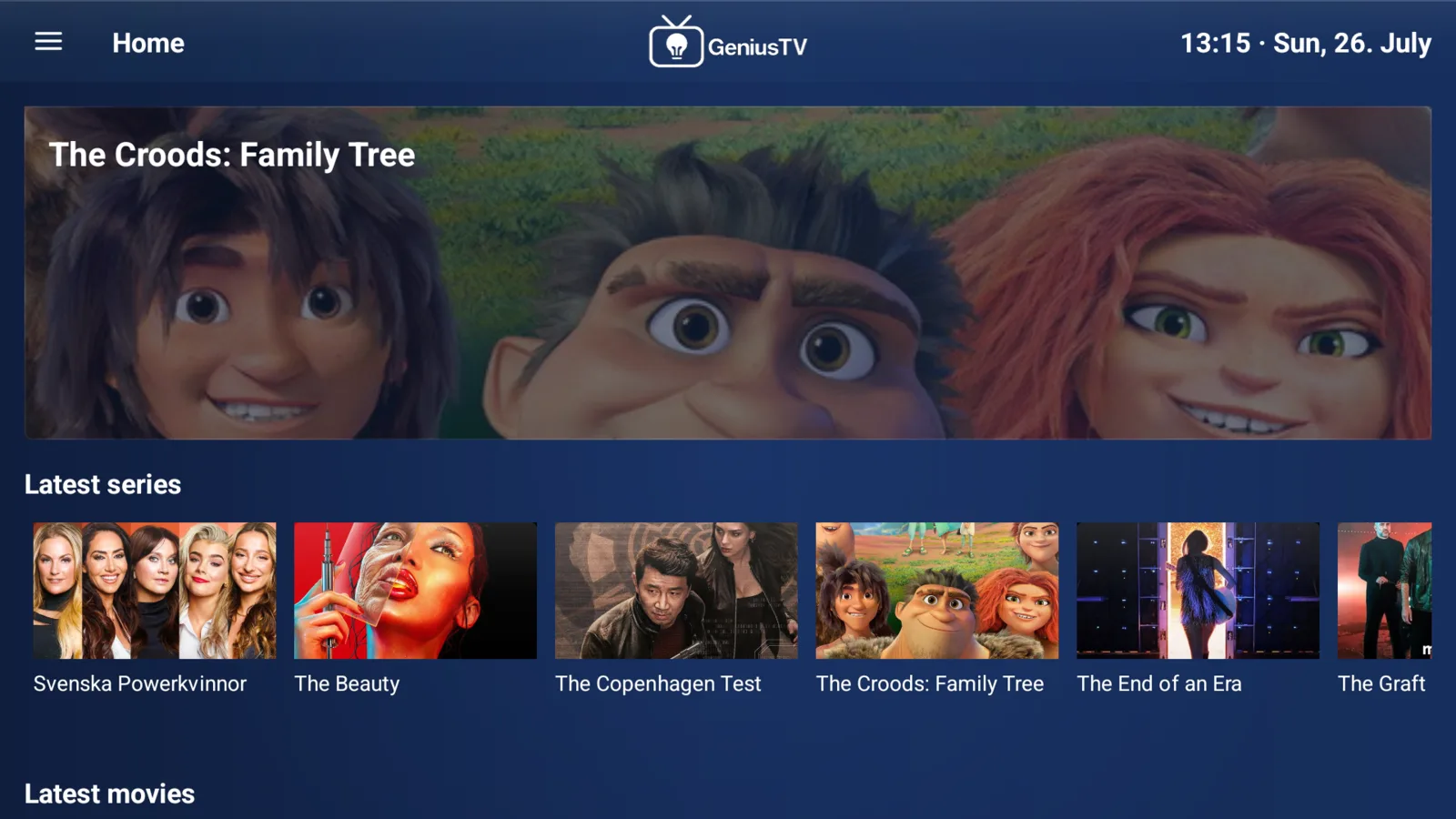
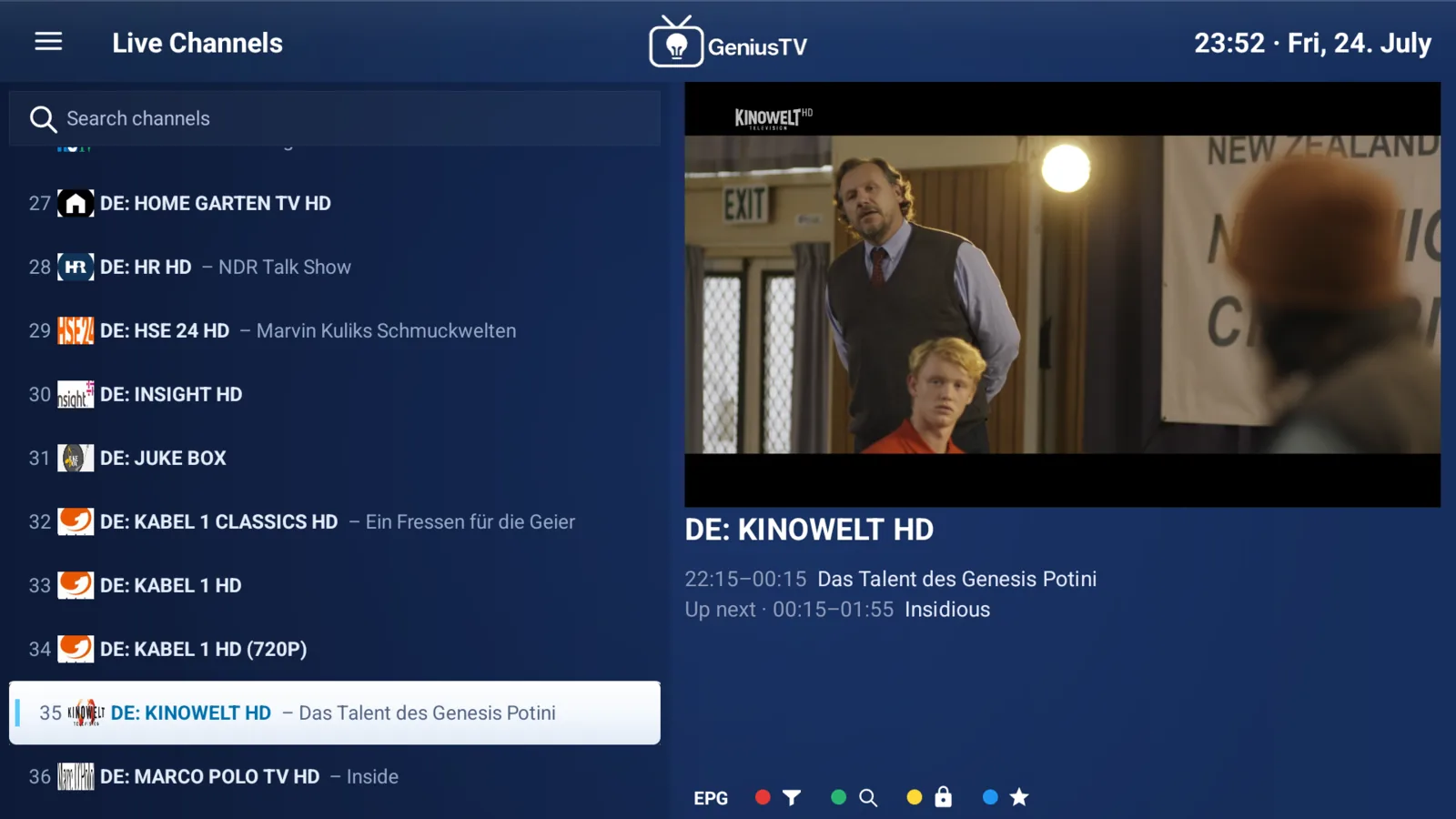
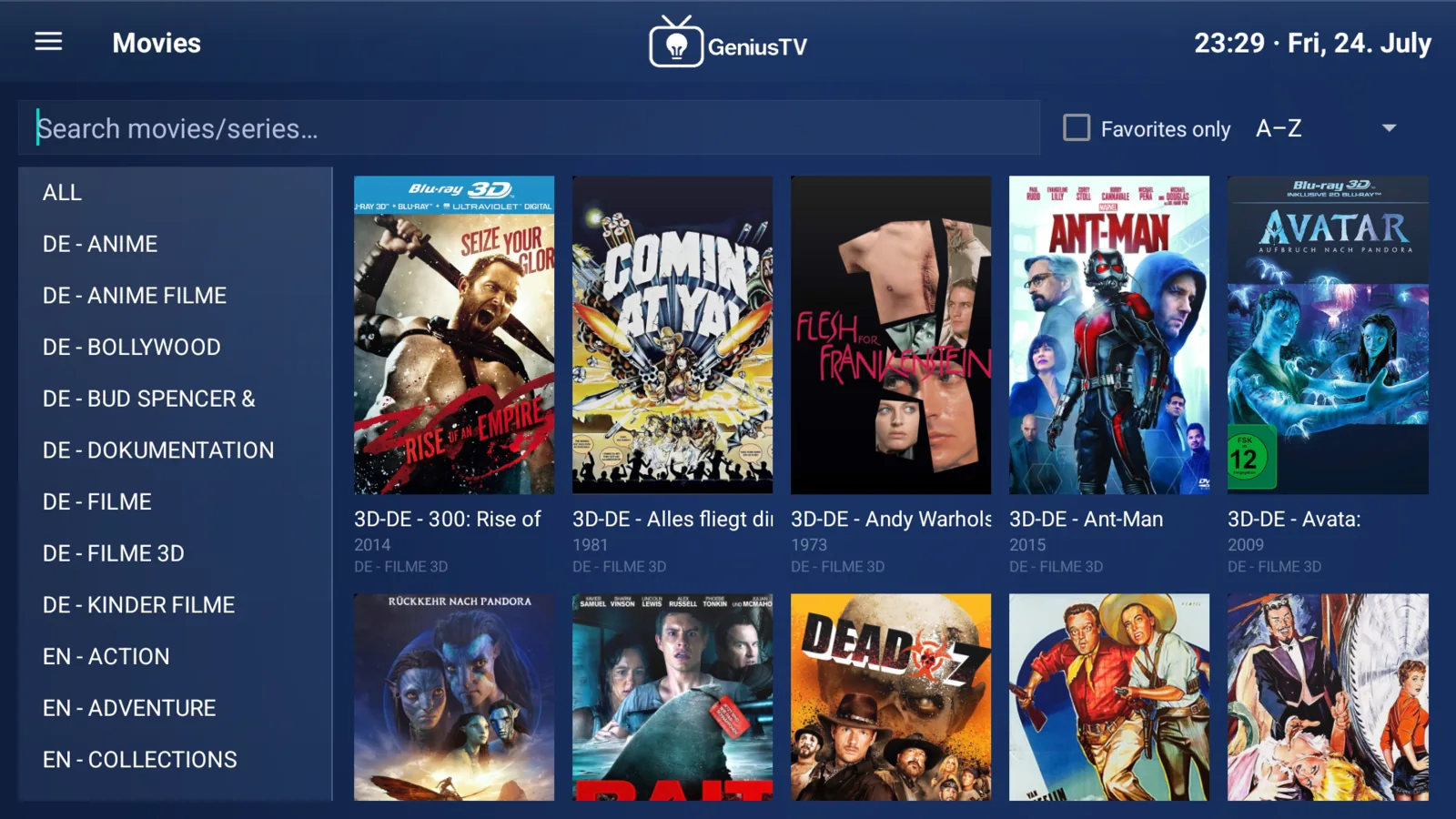
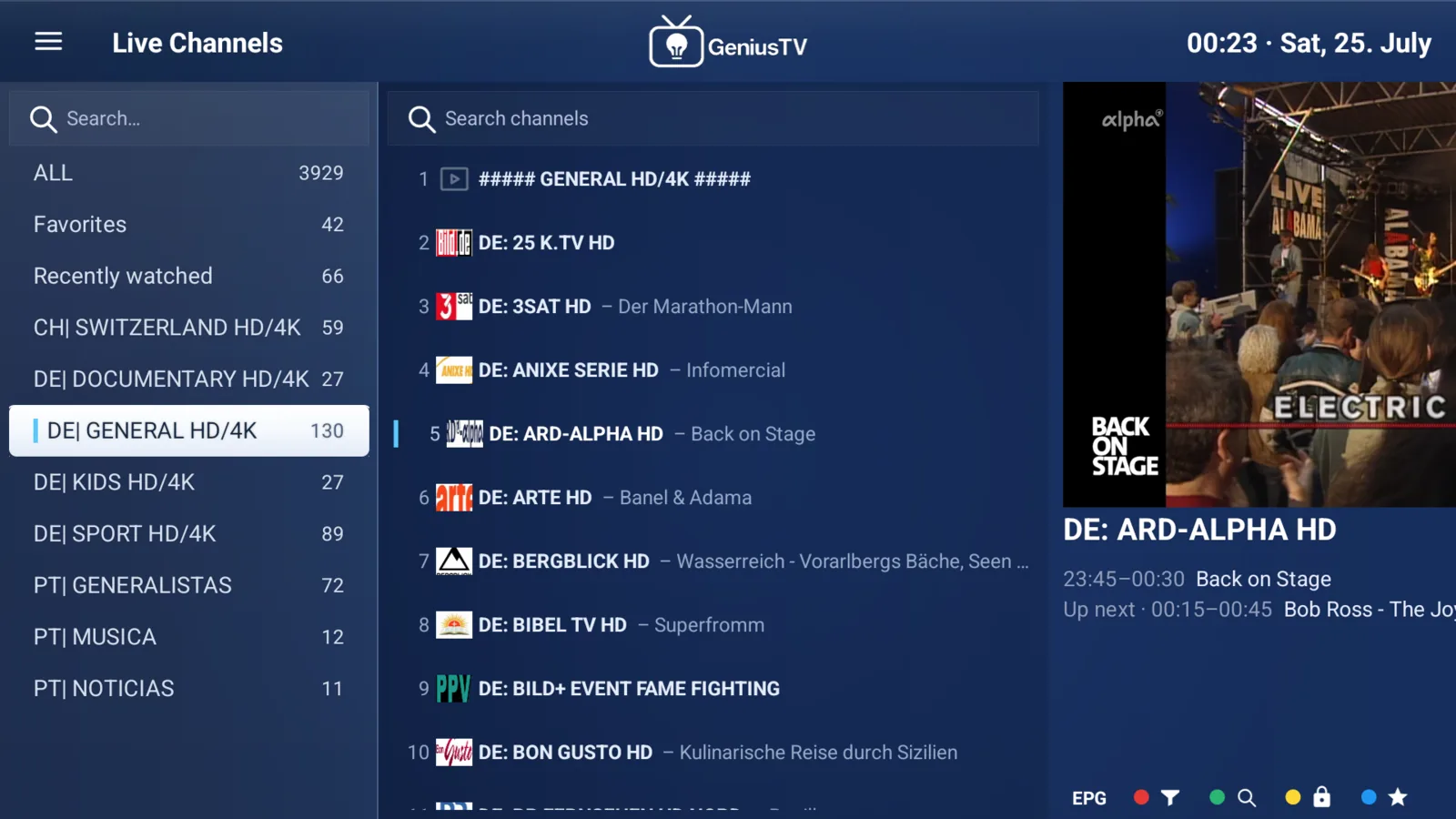
Tuned for the screen you watch on.
A 10-foot layout for the TV remote, and touch layouts for tablet and phone. GeniusTV is free on every screen, and Pro is unlocked per device.
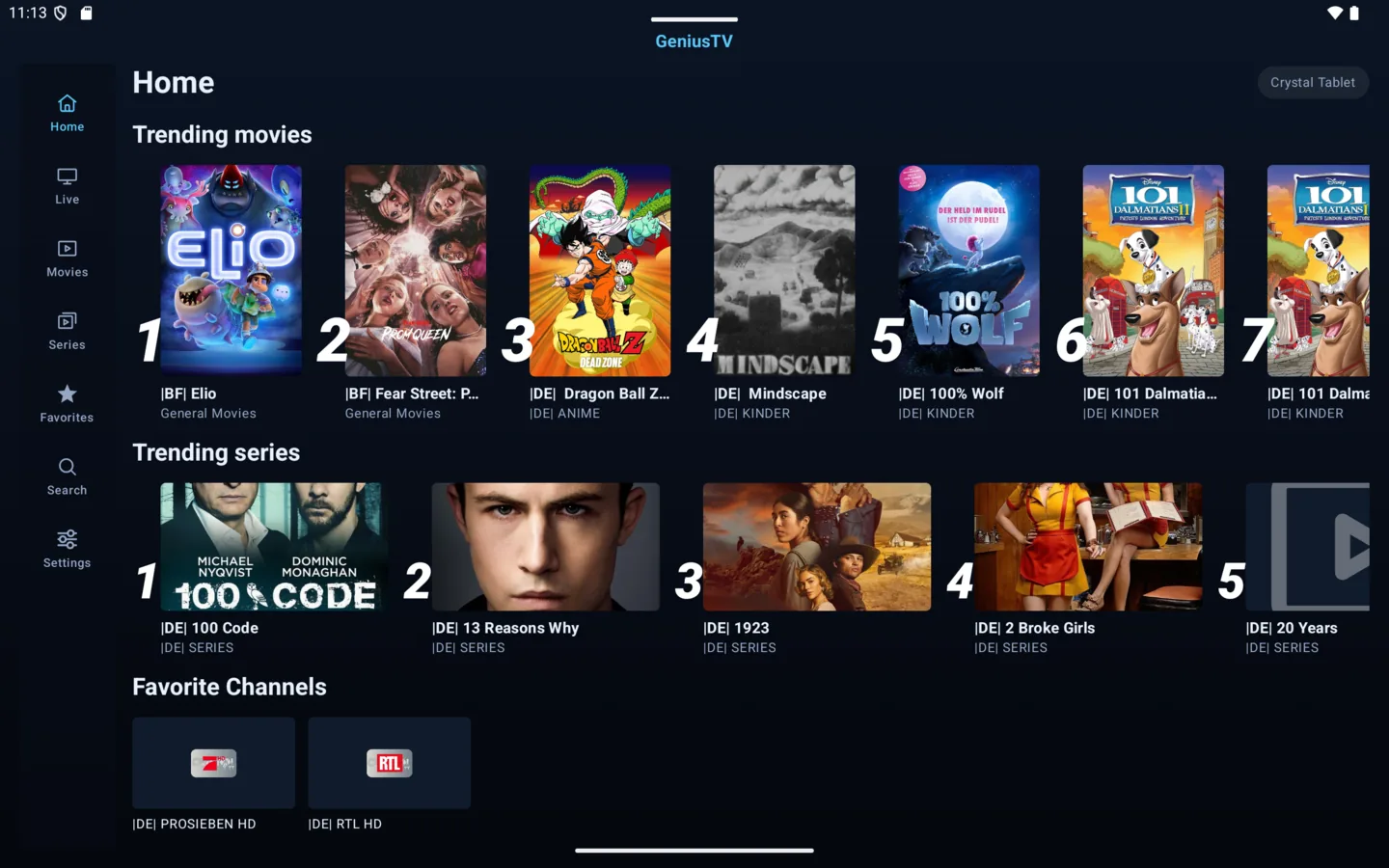
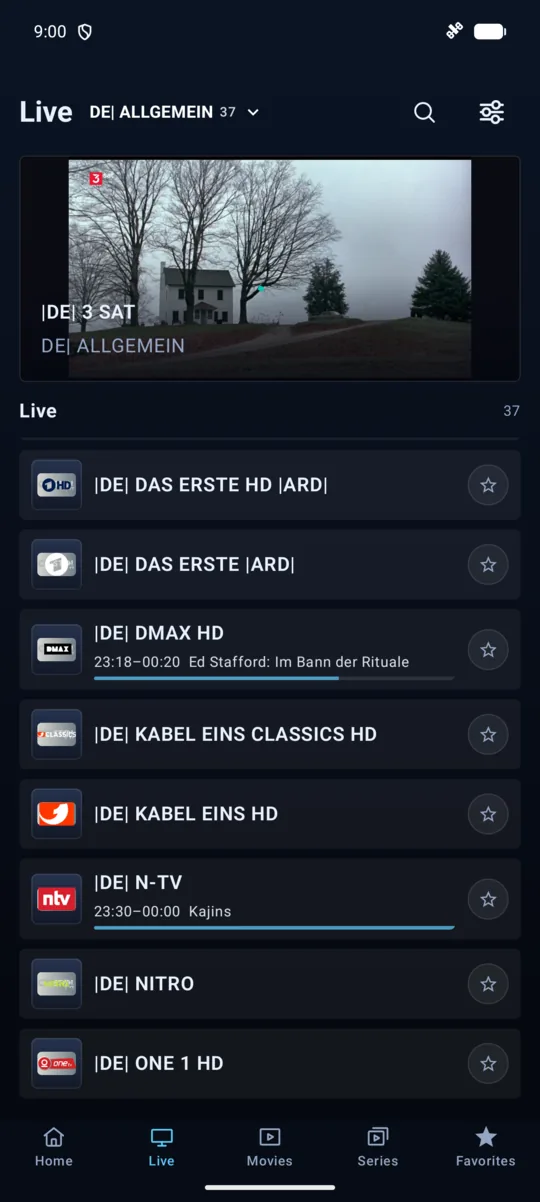
Tablet and phone - from a user-added playlist
From download to watching.
- STEP 01●
Install
Grab the APK, or get GeniusTV on Google Play. Runs on Android TV, Google TV, tablets, and phones.
- STEP 02●
Add your playlist
Add your M3U or Xtream Codes URL in the app, or in the web portal with the MAC address and device key the app shows. Channels and EPG load right away.
- STEP 03●
Watch
Zap through live channels with the program guide and star favorites. That part is free, with no time limit.
- STEP 04●
Go Pro if you like
Movies, series, catch-up and more playlists come with Pro: a one-time payment for that device. New devices try Pro free for 7 days.
A player that respects your playlist.
Plays practically anything
Broad codec and container support on Android’s Media3 engine. The movies, series, and channels in your playlist just play: HLS, MPEG-TS, MP4, MKV and more.
M3U & Xtream Codes
Load M3U playlists or Xtream logins. With Pro, keep several and switch between them in a tap.
Live TV with a real EPG
Live channels with a proper program guide. You get now and next, not just a flat list of names.
VOD & series
Movies and series with posters, details, and resume, read straight from your playlist. Part of Pro.
Built for the remote
A 10-foot layout with D-pad navigation, plus tuned layouts for phone and tablet.
Free, with Pro per device
Live TV, the guide, favorites and one playlist are free. Pro is a one-time payment per device. No account, no subscription, no cross-device sync.
GeniusTV is a media player. We do not sell, provide, host, or distribute IPTV playlists, channels, movies, series, or streaming content. You are solely responsible for adding legally obtained playlists.
Download GeniusTV.
It’s free to install and use. Get it on Google Play, or as a direct APK for Fire TV and devices without the Play Store. The App Store will follow.
Fire TV Stick / Android TV
Open the Downloader app and enter this code:
3042963
Works on every stick. The download starts immediately.
Newer devices can also use geniustv.app/apk.
Direct APK is for devices without Google Play